POS for a small restaurant
Published by KwickPOS, a restaurant POS company. We include KwickPOS in comparisons and say so when we do. How we handle this.
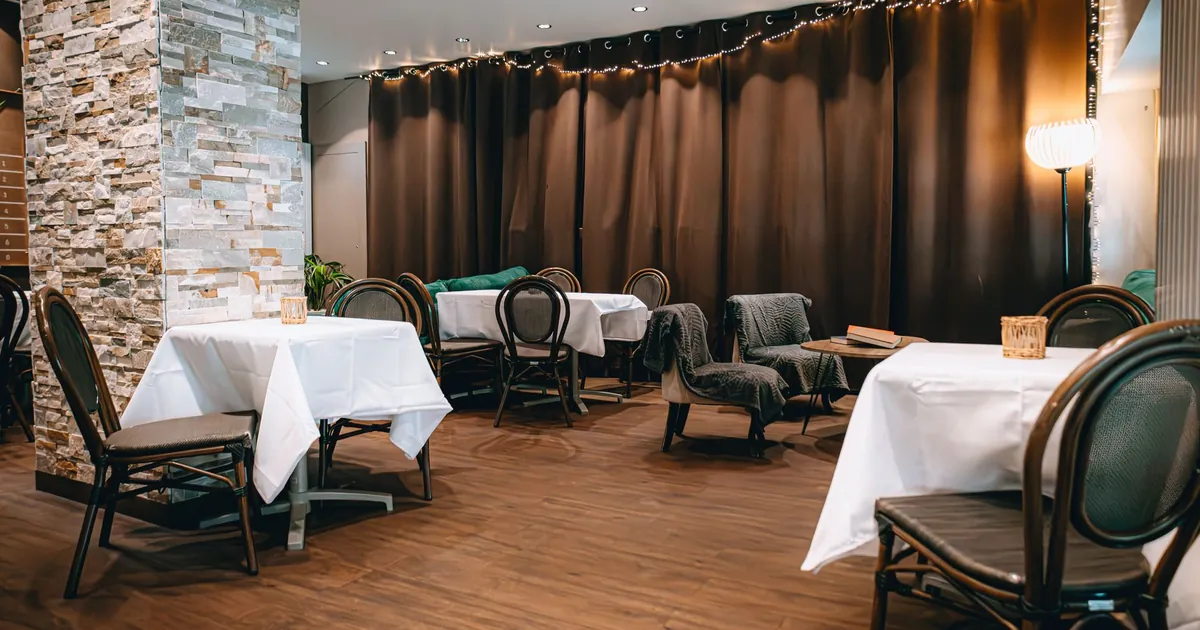
A restaurant under 50 seats needs fast order entry, reliable card payments at a fair rate, a menu you can change yourself in a minute, simple scheduling, and reports you can read on your phone. It usually doesn't need multi-location tools, an enterprise plan or a big hardware package. Keep the hardware small, compare processing carefully, and avoid long contracts.
Most POS marketing is aimed at restaurants bigger than yours. A 30-seat bistro with four servers and one line cook doesn't need central menu control for twenty locations or an account manager. It needs a system that gets out of the way during service and doesn't cost more than it saves. This guide covers what matters at that size and where you can save.
What a small restaurant actually needs
- Fast order entry. Your most-ordered items on the first screen and modifiers that appear right away.
- Card payments at a fair rate. At small-restaurant volumes, processing is often still the biggest cost line. See the example below.
- A menu you can change yourself. Daily specials, sold-out items and seasonal changes in a minute, from your phone, without calling support.
- Basic scheduling and time clock. Build next week's schedule, track hours, and export them for payroll. If the POS includes this, that's one fewer app to pay for.
- Reports on your phone. Last night's sales, top sellers and labor as a share of sales, readable at 7 a.m.
- Handhelds, if you do table service. One or two handhelds for taking orders and payments at the table can do more for a small team than an extra fixed terminal.
A restaurant takes $45,000 a month in card sales. The difference between a 2.4% and a 2.9% processing rate is $225 a month, or $2,700 a year.
What you can skip
- Multi-location menu and reporting tools, until you open a second location.
- Enterprise or "premium" tiers bought for one feature. Check whether that feature is available as a single add-on.
- A large hardware bundle. Two terminals and a kitchen printer cover many small rooms; add a kitchen display only if the kitchen will use it.
- Long contracts. A month-to-month plan lets you leave if the system doesn't work out.
Entry plans worth comparing
Published entry-level options, checked October 1, 2026:
- Square for Restaurants Free: $0 per month, with item and menu management, pickup and local delivery, and an online ordering page; in-person cards at 2.6% + 15¢.
- Toast Starter Kit: from $0 per month for one location and up to two terminals, with a hardware kit and no upfront cost; Toast's processing rate is quoted, not published.
- SpotOn POS Essentials: $55 per station per month, month to month, with in-person cards at 2.45% + $0.15.
- Clover Starter restaurant bundle: $179 per month for 36 months including a Station Solo, cash drawer and receipt printer; in-person cards at 2.3% + 10¢.
- Shift4 Dine: software at $29.99 per month with hardware included in its table-service bundle; standard processing 2.75% + $0.15.
- KwickPOS: pricing on request. KwickPOS publishes this guide; ask for a written quote and compare it the same way.
Plan contents change, so check each vendor's page for what's included before you choose.
Keeping the total cost down
- Compare processing first. Get an estimate for your own volume and card mix from each vendor. The card processing guide shows how.
- Buy standard hardware where you can. Ask whether printers, cash drawers and tablets can be standard models instead of vendor-branded ones.
- Only pay for add-ons you'll use this year. Online ordering and loyalty are worth it for many small restaurants; payroll and advanced inventory may not be yet.
- Read the leaving terms. Early-termination fees and hardware tied to a processing agreement can cost more than a year of software.
The full breakdown, with a three-year example, is in what a restaurant POS costs.
Two common setups and what they cost
A 30-seat counter-service café takes $25,000 a month in cards over 2,000 transactions. On Square's free plan at 2.6% + 15¢ in person, processing is $650 + $300 = $950 a month and software $0. On SpotOn Essentials at 2.45% + $0.15 with one station, processing is $612.50 + $300 = $912.50 a month plus $55 in software, $967.50 in total, plus $750 for the station.
A 45-seat table-service restaurant takes $45,000 a month in cards over 1,500 transactions and wants handhelds. Clover's Standard bundle, which includes a Flex handheld, is $239 a month for 36 months; processing at 2.3% + 10¢ is $1,035 + $150 = $1,185 a month. On Square Premium, needed for coursing and seat management, software is $149 a month and processing at 2.4% + 15¢ is $1,080 + $225 = $1,305 a month, plus the hardware you buy.
Neither example is a recommendation; your own card mix, ticket size and hardware needs change the answer. Run your numbers the same way for each quote.
Online ordering on a small budget
For a small restaurant, ordering from your own website or online ordering page can be worth more than a marketplace listing for regular customers, because marketplaces charge a commission on each order:
| Marketplace | Commission on delivery orders | Commission on pickup orders |
|---|---|---|
| DoorDash | 15%, 25% or 30%, by plan | 6% on every plan |
| Uber Eats | 20%, 25% or 30%, by plan (the lowest plan is 15% in some cities) | 7% with validated in-store pricing, otherwise 10% |
| Grubhub | A marketing commission of 5% to 20%, by plan, plus a 10% delivery fee when Grubhub delivers | Not stated on that page |
Figures are from each company's own US merchant pricing page, checked October 1, 2026. They change, and card processing fees are charged on top; check the current page before you sign up.
Several entry plans include an online ordering page, such as Square's free plan and Clover's restaurant bundles with no-fee online ordering. Check whether online orders print in the kitchen without retyping.
A one-week switch
A small restaurant can usually switch systems in about a week if the owner is involved:
- Day 1: set up hardware and connect it to your network.
- Days 2–3: build the menu, including every modifier, price, category and kitchen printer. Work from your printed menu, item by item.
- Days 4–5: train staff on taking orders and payments first; reports can wait.
- Days 6–7: run the new system for two slower shifts with the old one, or paper, as a backup.
- Day 8: switch over fully, with the vendor's support number posted by the terminal.
Pick a slow week, not the week before a holiday.
What to bring to the demo
- Your menu and your five hardest items to ring up.
- Your monthly card volume and average ticket.
- How many people work your busiest shift, and where they take orders.
Then run the tests in how to choose a restaurant POS. If you're a café, the coffee shop guide goes further on counter service.
Common questions
What does a small restaurant need in a POS?
Fast order entry, fair card rates, a menu you can change yourself, simple scheduling and phone-friendly reports. Multi-location tools can wait.
Should a small restaurant sign a long contract?
Month-to-month plans let you leave if the system doesn't fit. If a plan needs a long term, weigh what it saves against what leaving would cost.
How long does it take to switch?
About a week for a small team with the owner involved: setup, menu building, training, two trial shifts, then the switch.
Sources
- Pricing for restaurants, DoorDash. Checked October 1, 2026.
- Uber Eats pricing, Uber Eats. Checked October 1, 2026.
- What fees does Grubhub charge restaurants?, Grubhub. Checked October 1, 2026.
- Square for Restaurants pricing, Square. Checked October 1, 2026.
- Toast pricing (read via browser; page blocks automated checks), Toast. Checked October 1, 2026.
- SpotOn pricing, SpotOn. Checked October 1, 2026.
- Clover restaurant pricing, Clover. Checked October 1, 2026.
- Shift4 Dine pricing configurator, Shift4. Checked October 1, 2026.
- KwickPOS products, KwickPOS. Checked October 1, 2026.