POS for fine-dining restaurants
Published by KwickPOS, a restaurant POS company. We include KwickPOS in comparisons and say so when we do. How we handle this.
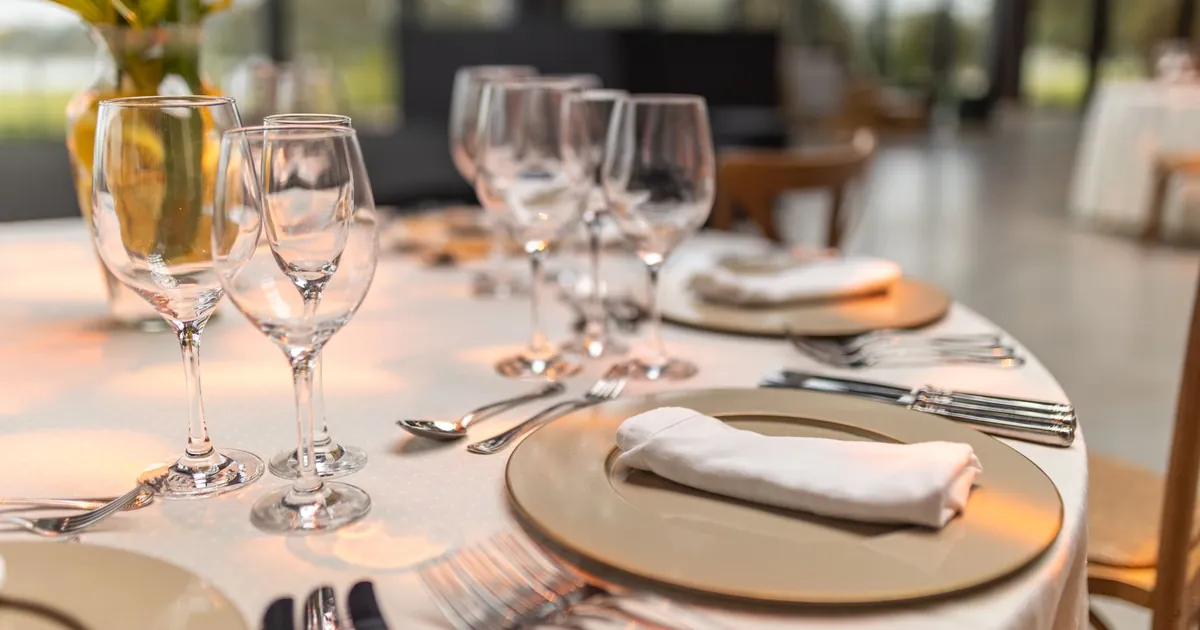
A fine-dining restaurant needs a POS that lets the server enter the whole meal at once and fire each course when the table is ready, tracks every seat, handles a wine list by the glass and the bottle, takes payment at the table, and splits a large party's check cleanly, including any service charge. Guest notes and reservation details at the table help the room feel personal.
In fine dining, pacing is the product. A table of four might have an amuse-bouche, a first course, two different second courses, mains and a shared cheese course, and each should arrive when the table is ready, not when the kitchen happens to finish. A POS built for quick service sends everything to the kitchen the moment it's entered. This guide covers what a fine-dining POS has to do and what to test.
Coursing: enter everything, fire when ready
The server takes the full order at once and assigns each item to a course. Nothing past the first course reaches the kitchen until the server or floor manager fires it. When it fires, every station gets that course for the table at the same moment.
- See each table's stage. A floor-plan view should show which course is out, which are waiting, and how long the current one has been running.
- Fire in one or two taps, from a handheld at the table or a terminal.
- Change before firing. If a guest changes their main between courses, the change should go in before the main is fired, with no void and reprint in the kitchen.
- Optional pace alerts. A reminder when a course has been out longer than you'd expect, so a manager can check the table or the kitchen.
In the demo, enter a four-course meal for four guests with one substitution, then fire course two from a handheld and watch it arrive at each station.
Seats, substitutions and allergies
Every item should carry its seat number, so runners know where each plate goes and the check can split by seat later. Allergies and dietary substitutions need to follow the guest through every course of a tasting menu: an allergy noted at the first course should appear on every later ticket for that seat, not only the first one.
Tasting menus and prix fixe
- A tasting menu as one priced item with its courses inside it, so each course fires in order without being rung separately.
- Optional wine pairing as an add-on priced per guest.
- Substitutions within the menu that don't change the price, and supplements that do.
- Amuse-bouches and intermezzos as zero-priced courses, so the kitchen still gets a ticket.
The wine list
- By the glass and by the bottle from the same inventory, so selling glasses draws down the bottle count.
- Bin numbers on the ticket, so whoever pulls the bottle goes straight to it.
- Vintages as separate items or clear variations, so the guest is charged for the vintage they get.
- Low-stock alerts before service, so servers don't recommend a bottle that's gone.
Payment at the table
Taking payment at the table keeps the guest's card in their hand, and a handheld that takes tap, chip and phone payments also speeds up the end of the meal. Check that tips can be added on the handheld and that the device works on your dining-room Wi-Fi, including in the far corners and private rooms. Ask what the handhelds do if Wi-Fi drops.
Splitting a large party's check
Private dining and large parties are where check-splitting is tested. The POS should support:
- By seat: each seat's items on its own check. This needs items assigned to seats when ordered.
- By item: guests pick items onto their own check; the rest stays on the main check.
- Evenly: the total divided into equal parts, common when a host pays a set amount per person.
- By amount: a guest pays a set dollar amount and the rest stays open.
Several payment types against one table at once (cards, a house account, a gift card) should work, with an itemized receipt for each check and the table closing only when everything is paid.
Service charges on split checks
If you add an automatic service charge for large parties, check how it behaves when the check is split. It should be shared proportionally across every split check, not added only to the first one or dropped from the others. Ask the vendor to split a check with a service charge three ways and show each receipt.
Service charges are not tips
An automatic service charge is treated differently from a tip. The IRS says "service charges added to a bill by the employer and distributed to an employee are not tips. The employer must treat service charges as wages", and gives "a mandatory 18% charge for large parties" as an example. The U.S. Department of Labor says "a compulsory charge for service, for example, 15 percent of the bill, is not considered a tip under the FLSA." So the POS should record service charges and tips as separate lines, and report them separately to payroll. Ask your accountant how this applies to you, and see the tip management guide.
Guest notes and reservations
Knowing that a guest prefers a corner table, is celebrating an anniversary or avoids shellfish lets the team act on it. Two things make this work:
- Reservation integration, so the party name, size and notes from your reservation system are on the table when it's seated, and the check total flows back to the guest's record.
- Guest notes at the table, visible to the server on the handheld, not only to a manager at the host stand.
Ask which reservation systems the POS connects to, and whether the connection works both ways.
Comps, voids and manager approval
A comped dessert or a voided bottle needs a reason and a manager's approval, recorded against the employee and the table. Reports should show comps and voids by manager and by reason, so you can see patterns.
Hardware for a fine-dining room
- Discreet terminals at service stations, out of guests' sight lines.
- Handhelds for each server or section, for ordering and payment at the table.
- Kitchen display screens at each station and at the pass, so the expediter sees each table's course as a group. See the kitchen display guide.
- Strong Wi-Fi across the dining room and private rooms.
What to bring to the demo
- Your tasting menu and its wine pairing.
- A large-party order with allergies, substitutions and a service charge.
- Your wine list with bin numbers.
- Your reservation system's name.
Then run the general tests in how to choose a restaurant POS. The table management guide goes further on floor plans and seats.
Common questions
What is course firing?
The server enters the whole meal at once, and each course goes to the kitchen only when the server or manager fires it, so the table's dishes arrive together.
Is an automatic service charge a tip?
No. The IRS treats service charges as wages when they are paid out to staff, and as income to the employer when it keeps them, and the Labor Department says a compulsory service charge is not a tip under the FLSA.
How should a POS split a large party's check?
By seat, by item, evenly or by amount, with any service charge shared across every split check.
Sources
- Tip recordkeeping and reporting, IRS. Checked October 1, 2026.
- Fact Sheet #15: Tipped employees under the FLSA, U.S. Department of Labor. Checked October 1, 2026.