World Cup 2026 Is the Ultimate POS Stress Test
Sales demos happen on quiet Wednesday mornings. World Cup knockout nights are where point-of-sale systems actually pass or fail — and this summer has been one long final exam for every system in North America.
What to ask vendors after this summer
Skip the feature tour. Ask: what happens when the internet drops at full occupancy? How many orders per minute can the kitchen screen actually sequence? Can the phone answer itself when all hands are on the floor? Every one of those questions has a match-day story behind it now.
The biggest sporting event ever staged in North America
The 2026 FIFA World Cup runs June 11 through July 19 — 104 matches, 48 teams, and sixteen host cities: Atlanta, Boston, Dallas, Houston, Kansas City, Los Angeles, Miami, New York/New Jersey, Philadelphia, the San Francisco Bay Area and Seattle — plus Toronto, Vancouver, Mexico City, Guadalajara and Monterrey. We are now deep in the knockout rounds, and every restaurant within driving distance of a stadium, fan festival, or big-screen sports bar has felt what match day does to foot traffic.
Even outside host cities, watch parties move dinner demand into strange new windows. A 3pm kickoff on a Tuesday creates a lunch rush that never ends; a 9pm kickoff turns Sunday night into Saturday night. The operators winning this summer are the ones who re-planned staffing, inventory and technology around the match calendar instead of the weekly routine.
What match-day surges break first
- The phone line. Call volume doubles before kickoff — takeout orders, table questions, "are you showing the game?" Staff can't answer while running food. An AI phone agent such as KwickPhone answers every call, takes the order, and never puts a fan on hold.
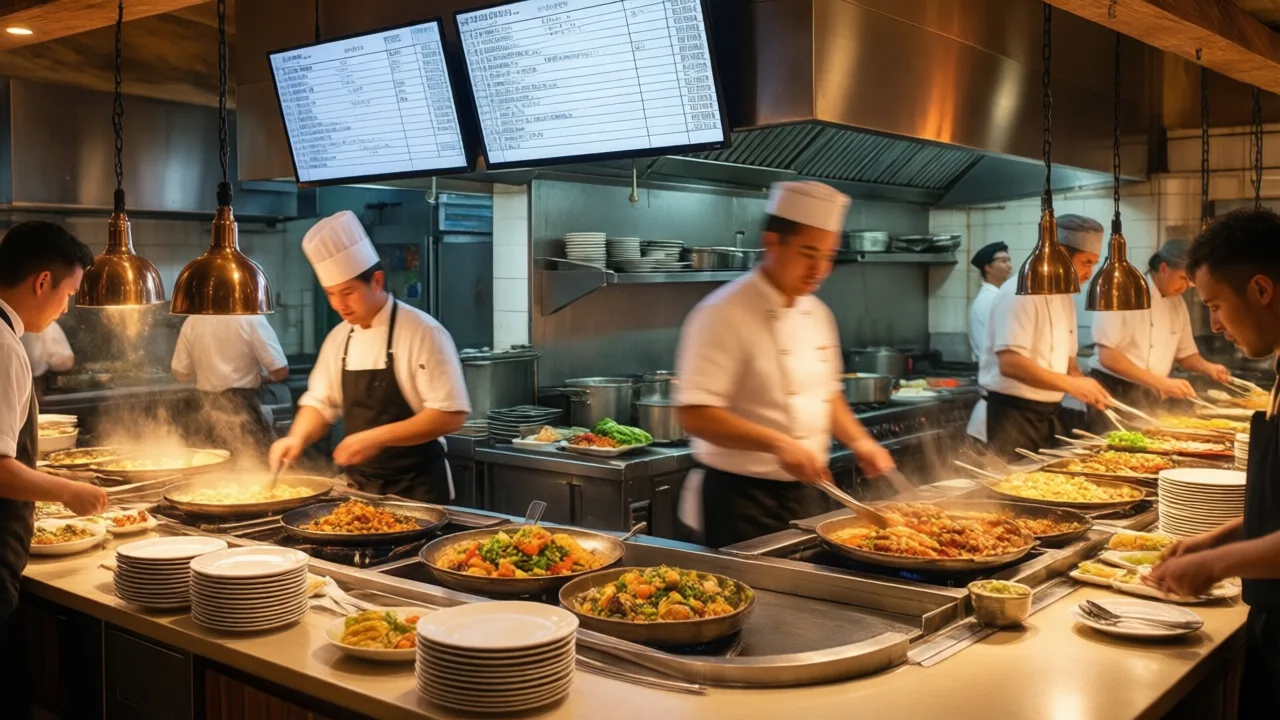
- The order queue. Halftime creates a 15-minute compression where an hour of orders arrives at once. Kitchen display systems and order-ahead windows spread the load; paper tickets do not.
- Connectivity. Stadium-adjacent cell networks choke on match day. If your POS dies when the internet does, you lose the best hour of the summer. Offline-capable systems keep ringing sales.
- Staffing math. Knockout matches can run to extra time and penalties — 30+ unplanned minutes of full occupancy. Schedule closers accordingly.
A quick readiness checklist for the final rounds
- Print the remaining match schedule (quarterfinals through the July 19 final) and staff to it.
- Build a two-item "match special" menu that your kitchen can push out fast at volume.
- Turn on order-ahead and pickup time slots to flatten the halftime spike.
- Let an AI agent or overflow service catch the phone; every missed call this month is a missed table of four.
- After each match day, compare sales by hour against a normal week — the delta is your playbook for the 2027 events season.
Build the Match-Day Runbook Before Traffic Arrives
A World Cup rush is different from a normal busy night because demand arrives in waves. Guests order before kickoff, again at halftime, and again after the match. Delivery orders may spike at the same time dine-in guests are trying to close tabs. The POS has to protect throughput: short menus, fast modifiers, clear kitchen routing, reliable printers or KDS screens, and a backup plan for phone overflow.
Run a simulation with your real staff. Create a limited match menu, put the most common items on the first screen, disable slow specials, prebuild modifiers, and confirm kitchen station routing. Then place orders through every channel: counter, table, QR, phone, direct online ordering, and delivery apps. The test is successful only if the kitchen receives clean tickets and managers can still see order volume by channel.
What to Measure After Each Match
Compare sales by fifteen-minute interval, ticket time, voids, refunds, order cancellations, phone misses, and item stockouts. If halftime revenue was strong but refunds increased, the kitchen was overloaded. If dine-in service was fine but online reviews mention late pickup, throttle direct ordering earlier. If staff created many open-item charges, the menu was not built for the event.
Final Pre-Event Checks
Before the first major match, print a one-page escalation sheet for managers: who restarts printers, who pauses online ordering, who updates item availability, who handles refunds, and who calls support. The plan should be visible at the counter and in the kitchen. During a rush, the fastest fix is the one staff can execute without searching for passwords or owner approval.
Keep the Post-Event Notes
The notes from a high-volume event become the plan for the next holiday, festival, school game, or local rush.
Ready before the next kickoff?
KwickOS runs the whole floor — POS, kiosks, online ordering and reporting — and KwickPhone answers every call with AI. Want a proven standalone system? KwickPOS powers many restaurants with cloud + offline hybrid POS.